
Common Guides
GUI Bundle
How bundle packs work — what's included, how to access each asset, and what to do if it isn't free yet.
Bundle Pack Overview
1. What is a Bundle Pack?
A bundle pack is a discounted set of multiple assets that you can purchase together at a lower price.
2. What’s Included
- The bundle pack itself does not contain any files.
- Instead, it grants you free access to each individual asset included in the bundle.
- You can download and use those assets separately.
How to Access the Assets
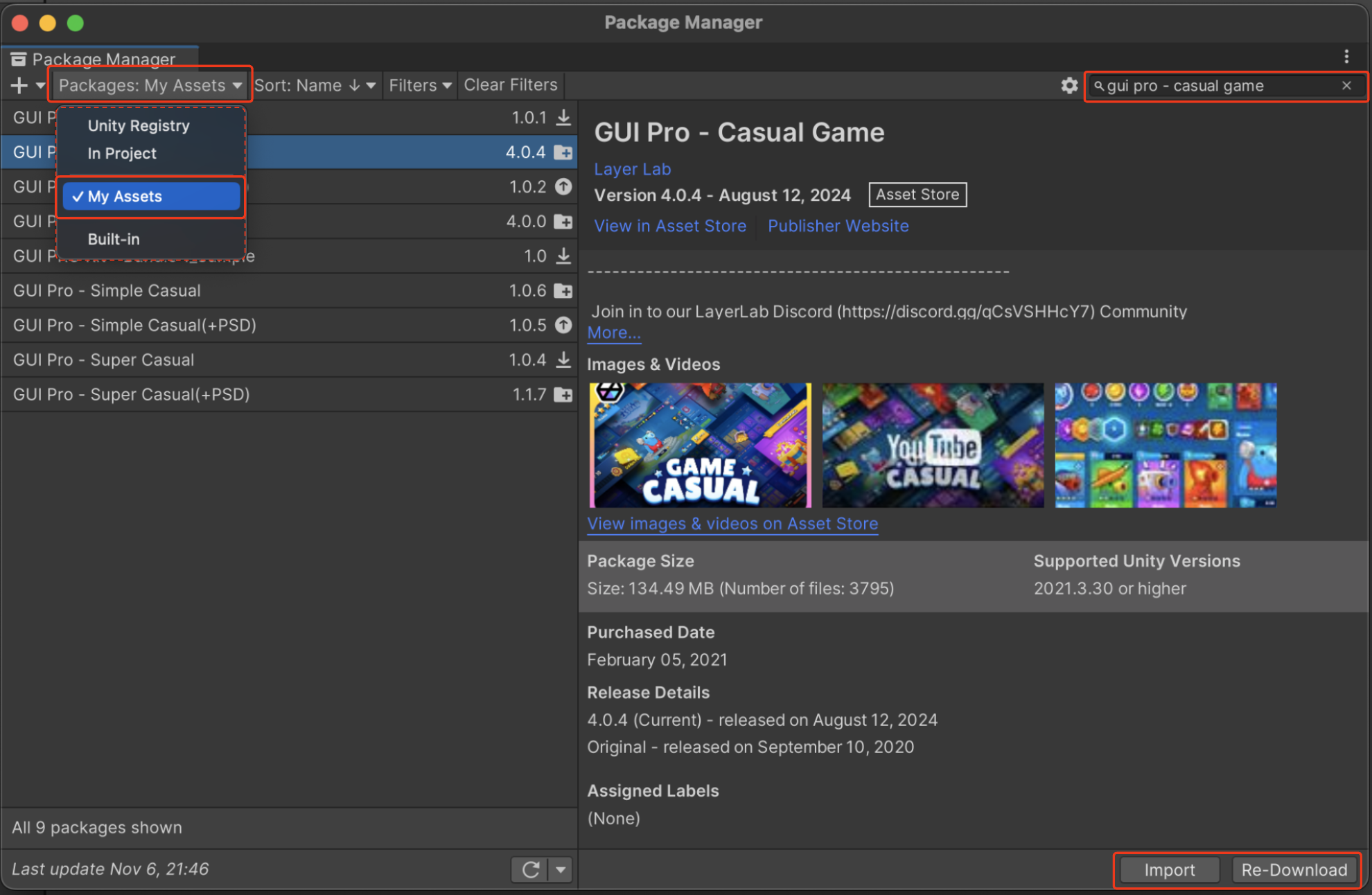
- Once the bundle purchase is complete, you can download each included asset (not the bundle pack itself) individually for free from the Package Manager.
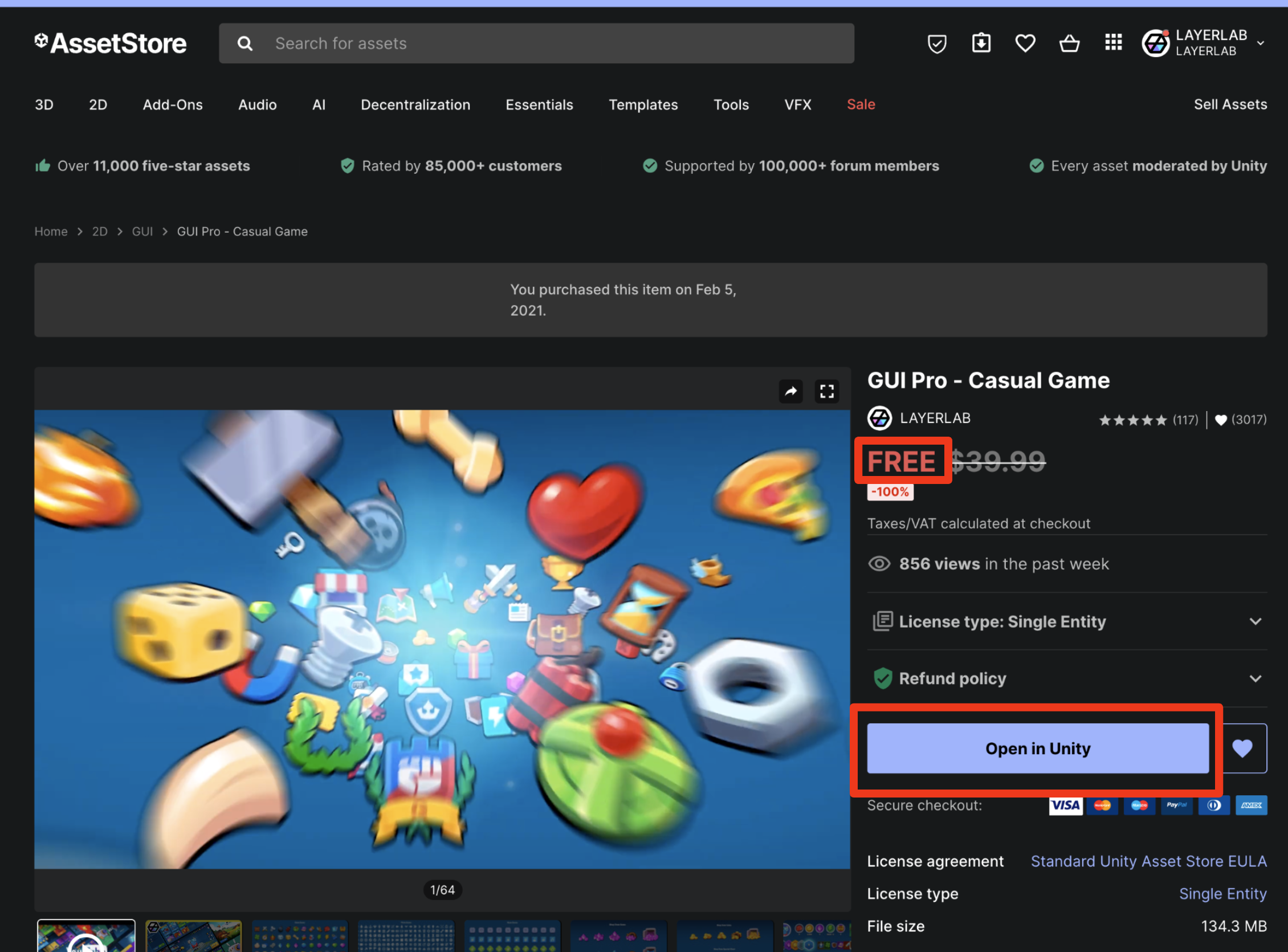
- Alternatively, from the Asset Store website, click the “Open in Unity” button on each asset’s product page to open it directly in Unity.
⬇️ Download Open in Package Manager
⬇️ Download Open in Unity
You can click the thumbnails listed below to visit each asset’s product page included in the bundle. From there, you can download it by clicking the “Open in Unity” button.👇👇👇
- GUI Bundle - 10 Styles
GUI Pro - Casual Game
GUI - The Stone
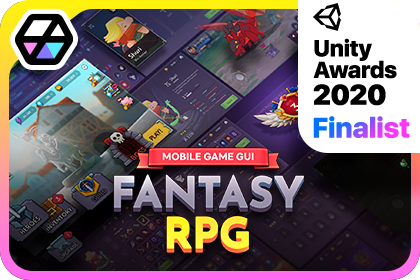
GUI Pro - Fantasy RPG
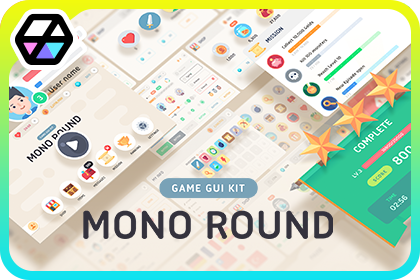
GUI - Mono Round
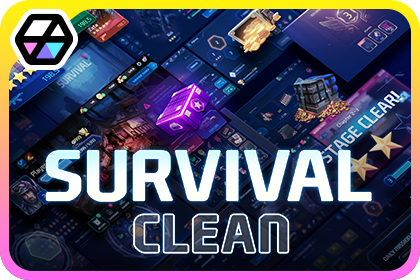
GUI Pro - Survival Clean
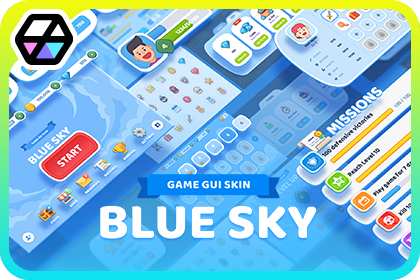
GUI - BlueSky
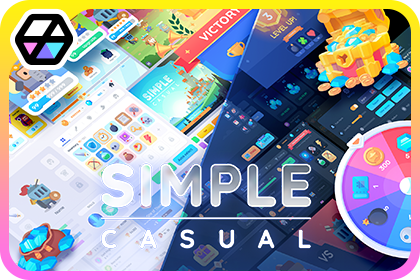
GUI Pro - Simple Casual
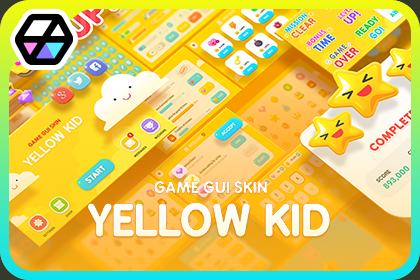
GUI - Yellow Kid
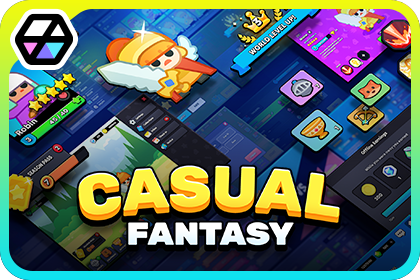
GUI - Casual Fantasy

GUI - Simple Round
- GUI Pro - Bundle1
GUI Pro - Casual Game
GUI Pro - Fantasy RPG
GUI Pro - Survival Clean
- GUI - Bundle1
GUI - Mono Round
UI - BlueSky
GUI - Yellow Kid
GUI - Simple Round
💡 Bundle Not Showing as Free
If you purchased a bundle pack but it hasn't been converted to free, please note that it may take some time for the Asset Store system to update and reflect the free status of your assets. Rest assured, this is not an error with the asset pack itself.
- If you encounter this issue, try downloading through the Package Manager or wait a few moments before attempting again.
- According to the Asset Store team, it may take some time after purchasing an asset for it to be properly added to your organization.
- If the issue persists, please contact the Asset Store Customer Support Team for assistance.
- If resolution is delayed and you urgently need the files, please leave a message with the LayerLab customer support team.
LayerLab Support
Thank you for choosing our asset pack.
If you encounter any issues or errors with the asset package itself while using it in Unity, please contact our support team. We will help resolve asset-specific problems as quickly as possible.
Please note that we are unable to provide personalized technical support or step-by-step guidance for individual projects. We sincerely appreciate your understanding.
For broader Unity questions, please refer to these resources:
Thank you again for your support.